
If you change how you organise a roster workstation or no longer use a workstation, you may want to archive it. When you archive a workstation, only new shifts will be affected and it will still be visible on any existing shifts with a workstation already associated with their shift.
- Go to the roster where you wish to archive the workstation and edit the roster:

- Choose the Workstations tab in the Edit Roster window
- Select the Workstation you wish to archive
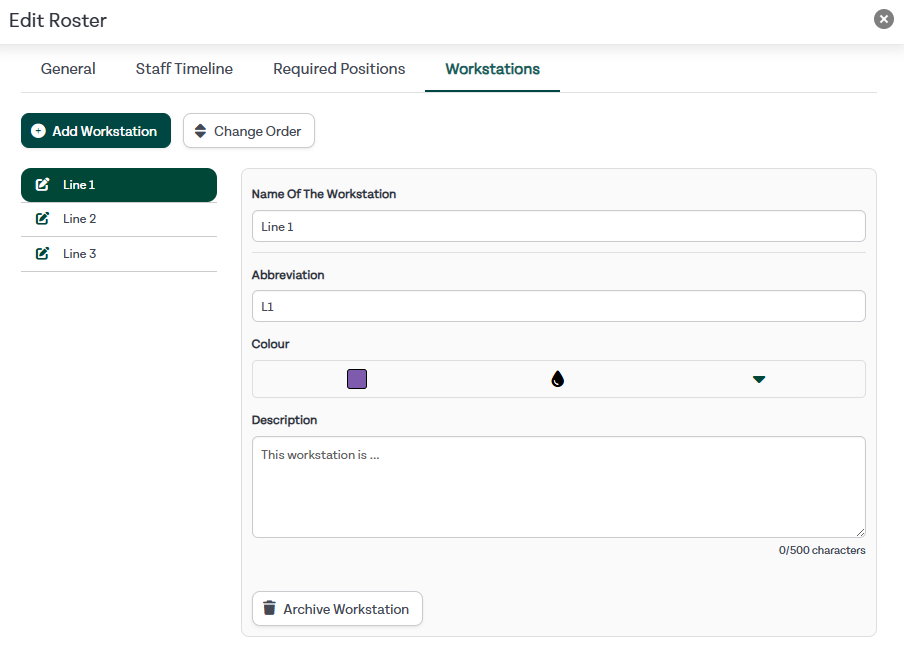
- Click Archive Workstation
- A warning will appear, pick confirm to archive the workstation